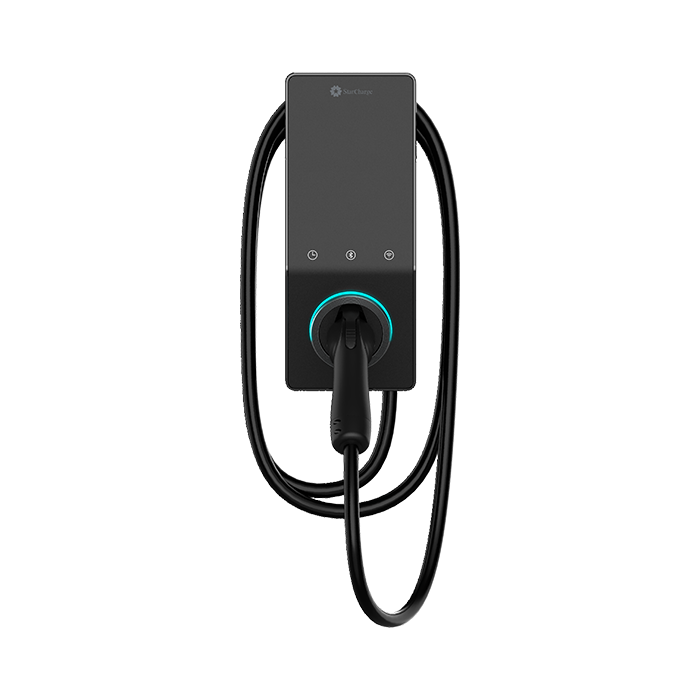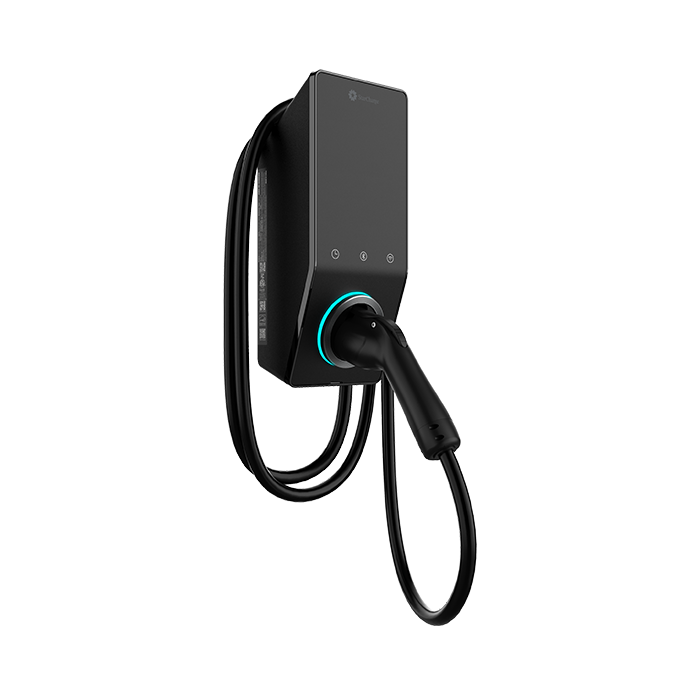

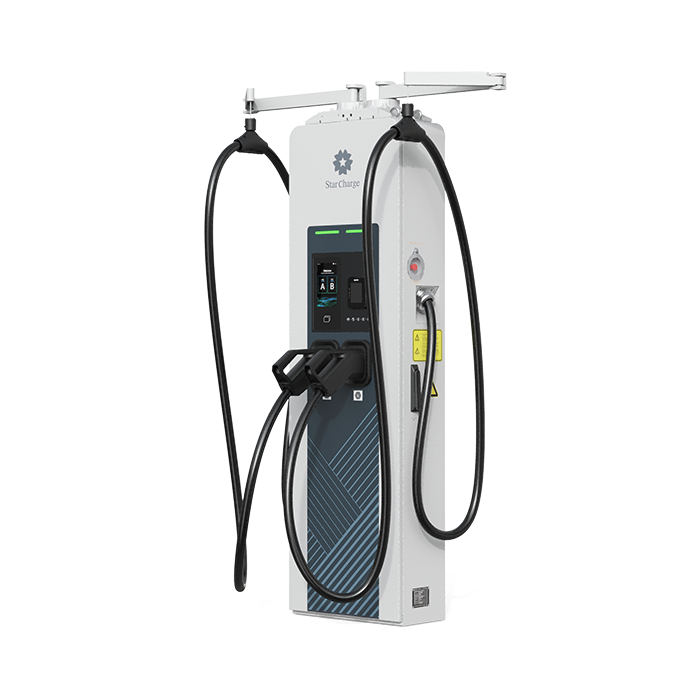
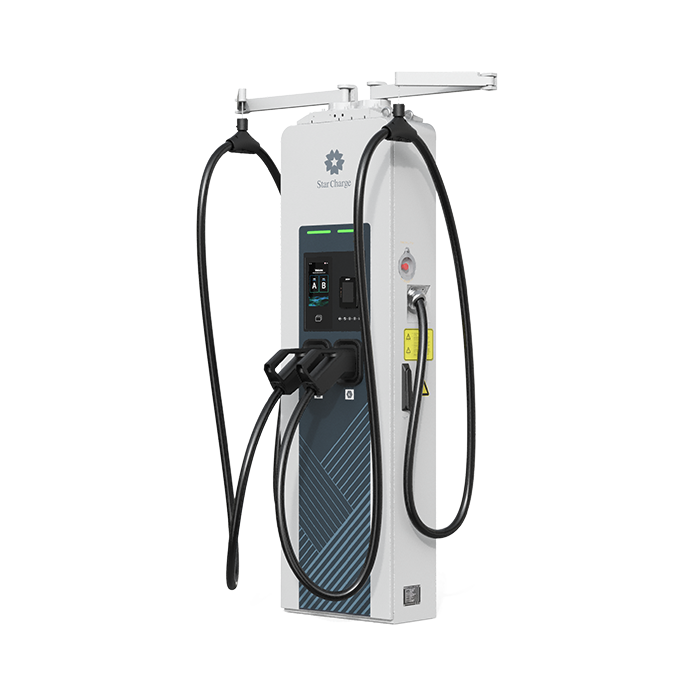
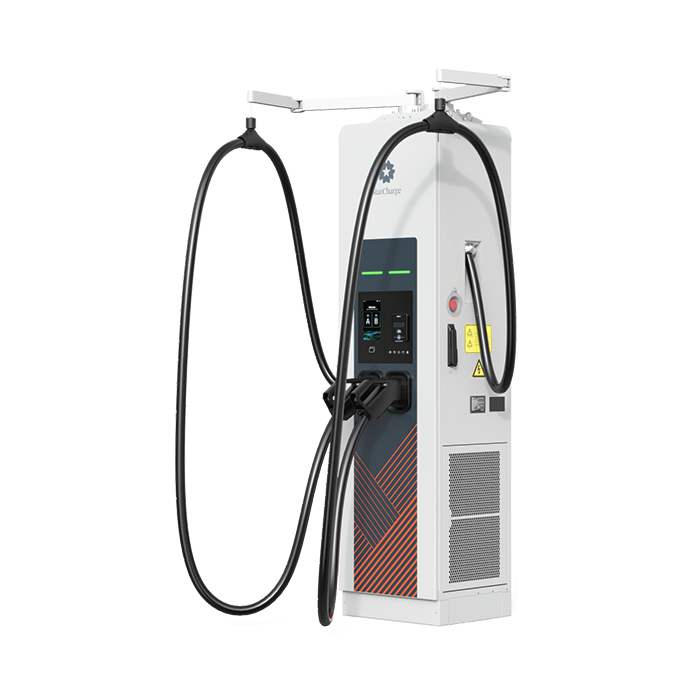
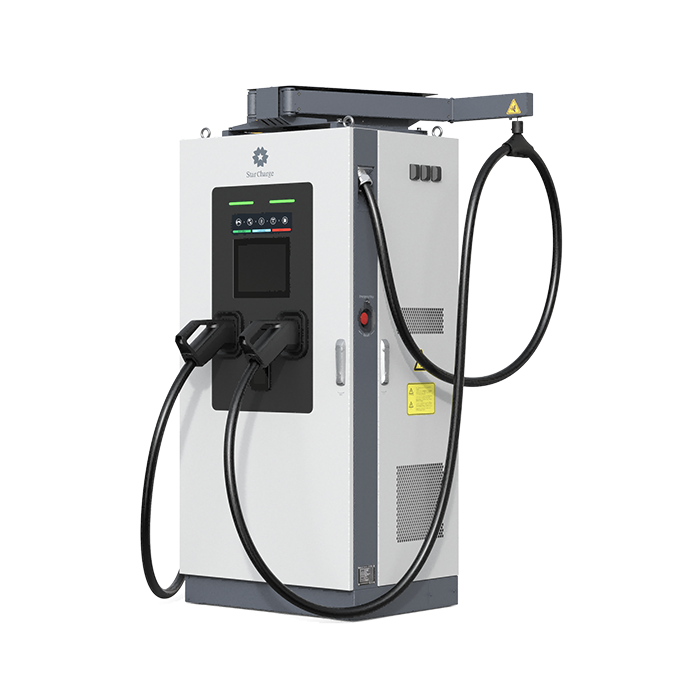
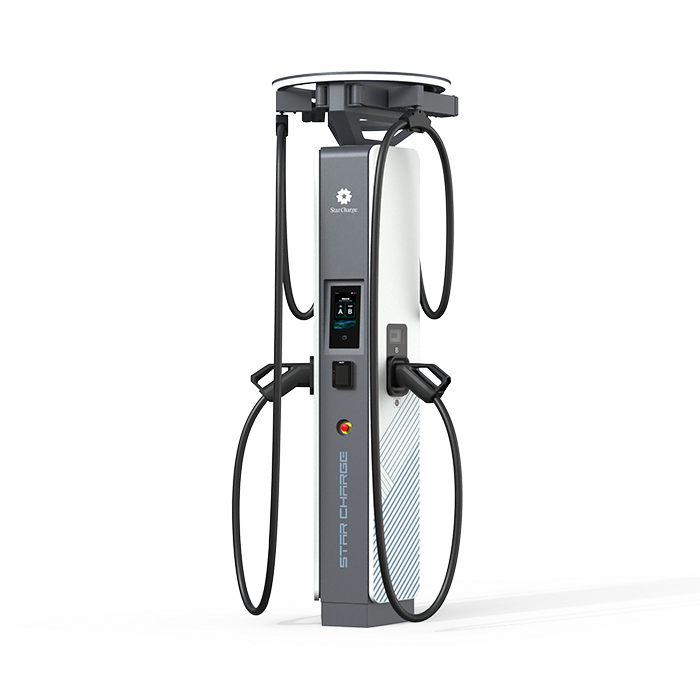
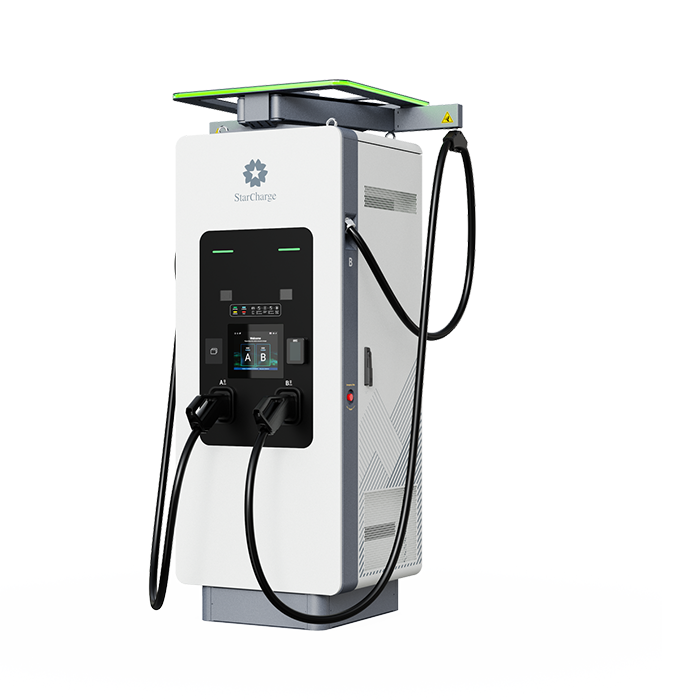
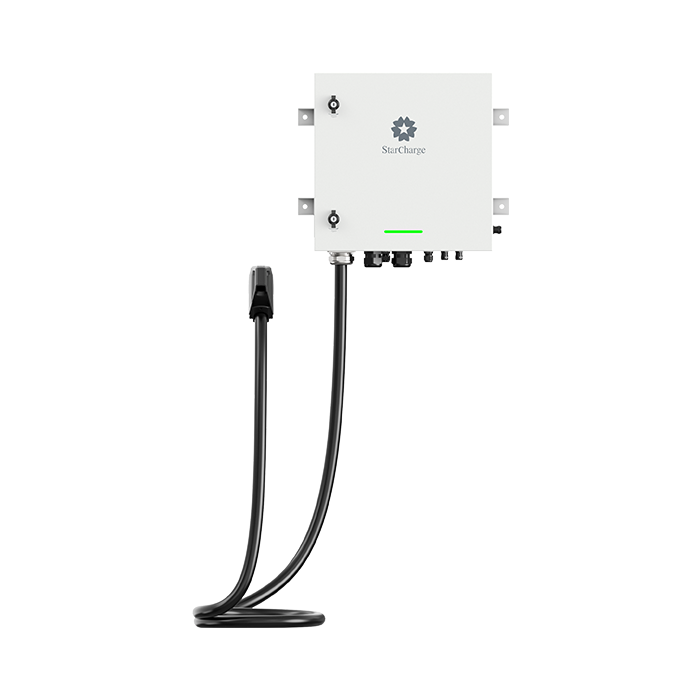
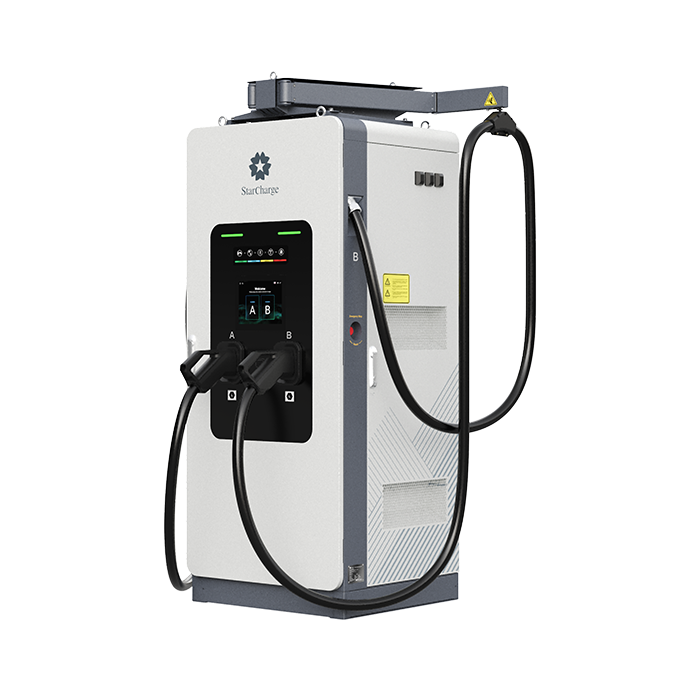
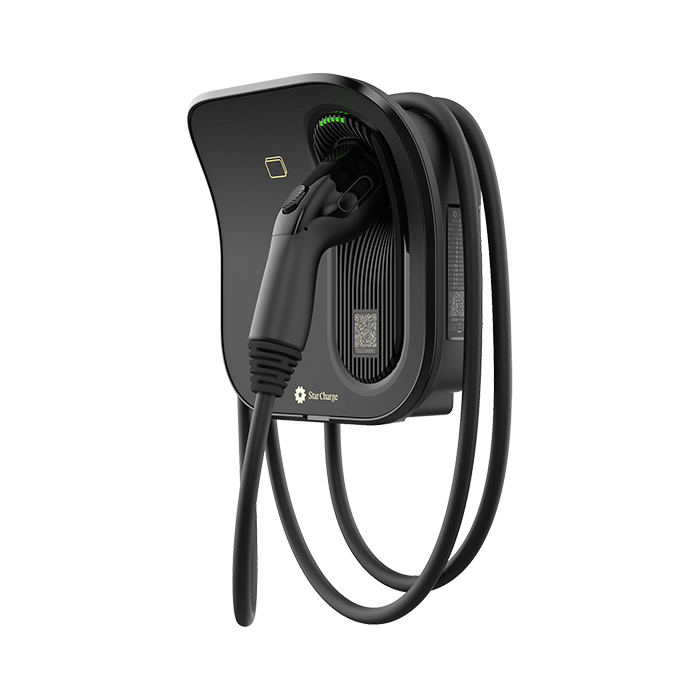
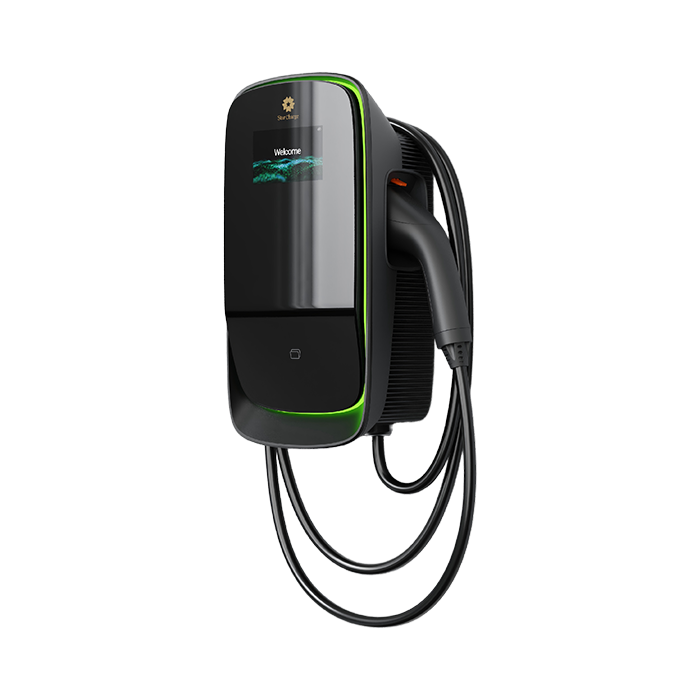
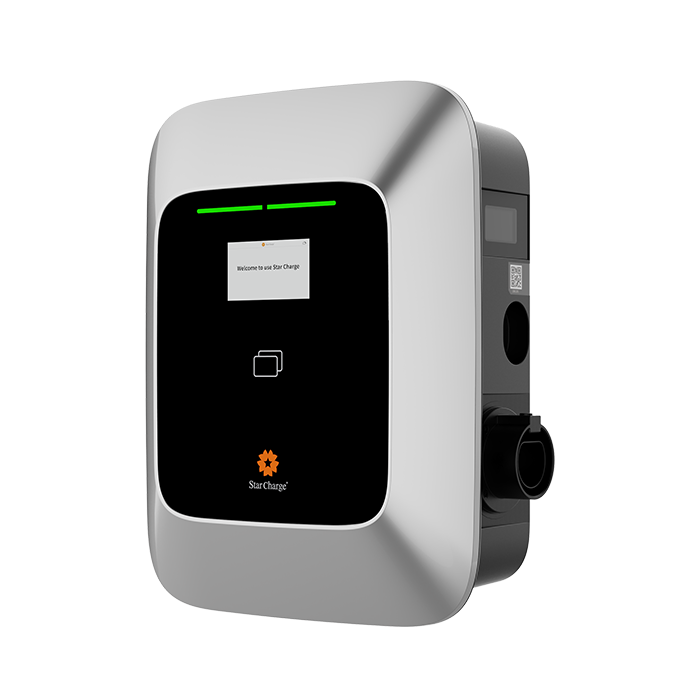
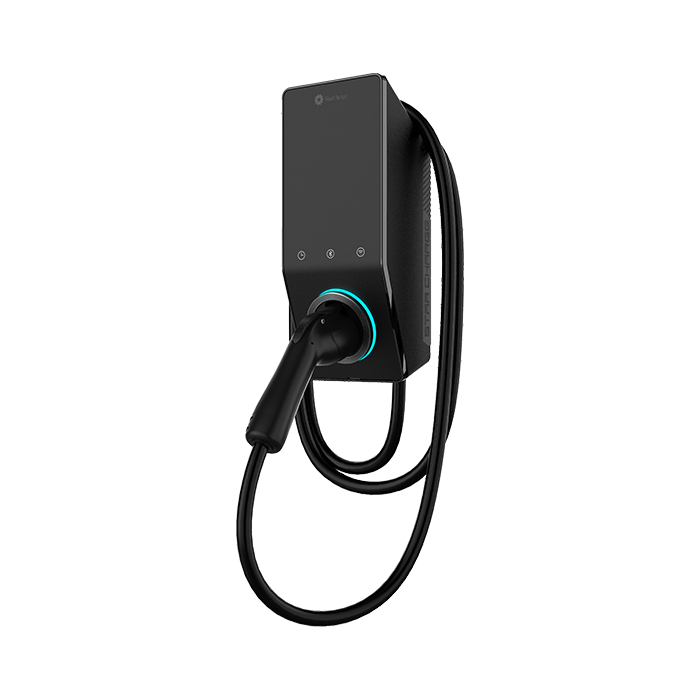
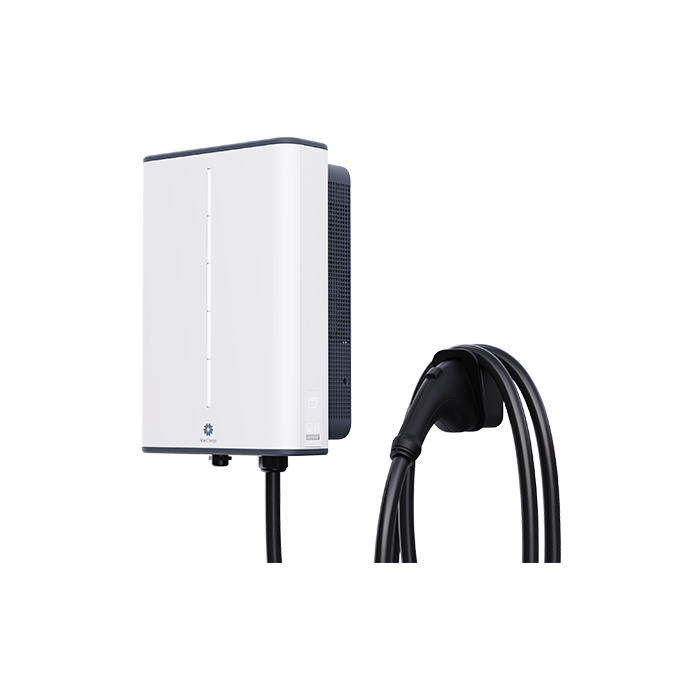
Juno AC Charger 9.6/12kW

Designed specifically for the North American market.Supports an operating temperature range of -30°C to +50°C. Equipped with Alexa voice assistant, supports Wi-Fi connectivity and APP remote control, and features OTA remote upgrade capability for smarter charging.


Product Advantages

  • Versatile Start/Stop Modes

    Supports APP remote connection, APP Bluetooth control, and plug & charge.

  • Safe & Reliable

    NEMA 4 protection rating, operates at temperatures from -30°C to +50°C, Made of 5VA high flame-retardant material. lower heat generation and safer charging.

  • Smart Charging

    Wi-Fi connectivity for APP remote smart management and charging schedule customization.Support OTA functionality for continuous updates.

  • Alexa Voice Assistant

    More user-friendly human-machine interaction for easier and more convenient charging.

Product Parameters

Swipe Left

Input Rating

208V/240V AC, 60Hz, Single phase (L1+L2+PE)

Input Current Rating

40A/50A

Output Interface

Case C, Type 1 J1772/NACS

Output Power

9.6kW/12kW

Output Voltage

208V/240V AC

Output Current

40A/50A

Display

No

IP Rating

NEMA TYPE 4

Charging Cable Length

7.5m

Dimensions (WxHxD)

155*374.8*119mm

FAQ

  • Where can I purchase the Juno product?

    Product links:
    sku:US-Juno1772-50H
    https://www.amazon.com/dp/B0GYYHJ8MX
    sku:US-JunoNACS-50H
    https://www.amazon.com/dp/B0GYZFCFBQ
    sku:US-Juno1772-40N
    https://www.amazon.com/dp/B0GYYQG686
    sku:US-JunoNACS-40N
    https://www.amazon.com/dp/B0GYYQPGVW


  • What are the requirements for purchasing?

    Consumers can purchase directly on Amazon. Before purchase, customer service first asks the consumer about the car's make, model, charging connector, and the preferred wiring method, and recommends the matching charger model based on that information. Once the model is confirmed, the consumer can place the order on the corresponding Amazon product page.For reference, the general EV charger installation process found through web search:1. Assess needs and prepare: determine the charging level and check the capacity of the home distribution panel.2. Obtain the property owner's consent: if it is an apartment or a townhouse, contact the HOA or the landlord and apply for and obtain approval.3. Apply for permits: in accordance with local regulations, submit electrical or building permit applications to the relevant government departments (usually building or planning).4. Hire a professional installer: have a licensed electrician perform the installation.5. Apply for inspection: after installation is complete, contact the local department for a final inspection.


  • Does it work with all vehicle models?

    Currently, models cannot be listed: basically all mainstream models currently on the market can be supported.Different vehicle models may use different charging connectors, so the consumer's car make, model, year, and charging connector must be confirmed first. Customer service confirms whether the connector matches based on the vehicle information and recommends the corresponding charger model.


  • When will the order ship after purchase?

    The product is shipped by Amazon (FBA) warehouses. After the order is placed, Amazon will arrange shipment as soon as possible based on warehouse inventory, and the estimated shipping time is usually shown on the order page.Buyers can log in to their Amazon account and check the latest shipping status on the "Your Orders" page.


  • Which carrier is used?

    All orders are delivered by Amazon Fulfillment (FBA). The actual carrier is automatically arranged by Amazon based on the buyer's shipping address, and may include Amazon Logistics, UPS, USPS, FedEx, etc.The actual delivery method is subject to the logistics information shown after the order ships.


  • When will I receive my order?

    The estimated delivery date is displayed on the checkout and payment pages before the order is placed, and depends on the buyer's shipping address, inventory availability, and delivery method.After ordering, the buyer can check the latest estimated delivery date and logistics information under "Your Orders".


  • Is the product insured?

    Yes — Pacific Insurance "Export Products Comprehensive Commercial Liability Insurance"


  • Do you provide installation service?

    No installation service is provided.

  • What documentation is needed for installation?

    See the User Manual.


  • What accessories are needed for installation, and do I need to purchase them myself?

    See the User Manual.


  • How do I start charging by card?

    The products currently shipped are not equipped with a card-swipe function.First plug in the connector, then place the charging card on the card-swipe area; the charger breathing green indicates that charging has started.


  • How do I bind the app?

    See the User Manual.


  • How do I use the app to start charging remotely?

    See the User Manual.


  • How do I use Bluetooth to start charging?

    See the User Manual.


  • After the charger is set up and bound, can other people use it?

    Yes, it can be shared with family and friends.


  • Does your charger have anti-theft protection?

    Once "plug-and-charge" is turned off, the user must start charging via Bluetooth or WiFi; apart from the family and friends with whom the owner has shared access, no one else can start charging.


  • If scheduled charging is set up, can others charge just by plugging in the connector?

    When scheduled charging is set, the charger is generally locked once the vehicle is locked, and others cannot charge. If the vehicle cannot be locked, or the connector was not plugged in beforehand, others are able to charge.


  • How do I set up scheduled charging on the vehicle side?

    First set up scheduled charging on the vehicle side, then start charging from the charger; at the scheduled time, charging will start automatically.


  • How do I set up scheduled charging in the app?

    Set it up in the Charging Schedule module; see the User Manual for details.


  • Do I need to activate the charger after receiving it?

    After installation, simply power it on normally and bind the app; it will then work as expected.


  • After binding, how do other family members charge? (Whitelist)

    See the User Manual, "App Introduction" section.


  • Can the charging cable be extended?

    No.


  • I have received the item — can I exchange it?

    If the buyer has already received the item and the item has a quality issue or shipping damage, please contact us first and describe the specifics; we will assist as soon as possible.If it meets Amazon's and the product warranty policies, we will provide a corresponding solution based on the actual situation.


  • I have not received the item yet — can I exchange it?

    If the item has already been received and there is a quality issue or abnormal behavior, please have the buyer contact us first and describe the specifics.Based on the product issue, the order information, and Amazon's after-sales policy, we will provide the buyer with a corresponding solution.


  • How do I return the item?

    If the buyer needs to return the item, they can log in to their Amazon account, go to "Your Orders", find the corresponding order, click "Return or Replace Items", and submit the return request as prompted on the page.


  • The connector/cable is getting hot

    Check whether the connector and the vehicle-side connection are properly seated.


  • The fault indicator light is on

    Observe whether it recovers automatically. If not, power the charger off and on again, provided it is safe to do so and compliant with regulations, and check whether the fault persists. If it does, contact after-sales support.


  • The charger is broken — how do I get it repaired?

    Once the issue has been fully diagnosed and confirmed to be unresolvable remotely, make a record and replace the unit directly.


Everyone is an entrepreneur